

Wisey Review 2027: I Tried It So You Don’t Have To
In this Wisey review, I will show you whether it delivered on its promise to give structure, focus, and the tools I need to build habits that stick.
I spent a week testing the platform to see how well it works in real life. Long story short, it helped me overcome procrastination, but its predatory subscription model makes it hard to recommend.
What is Wisey?
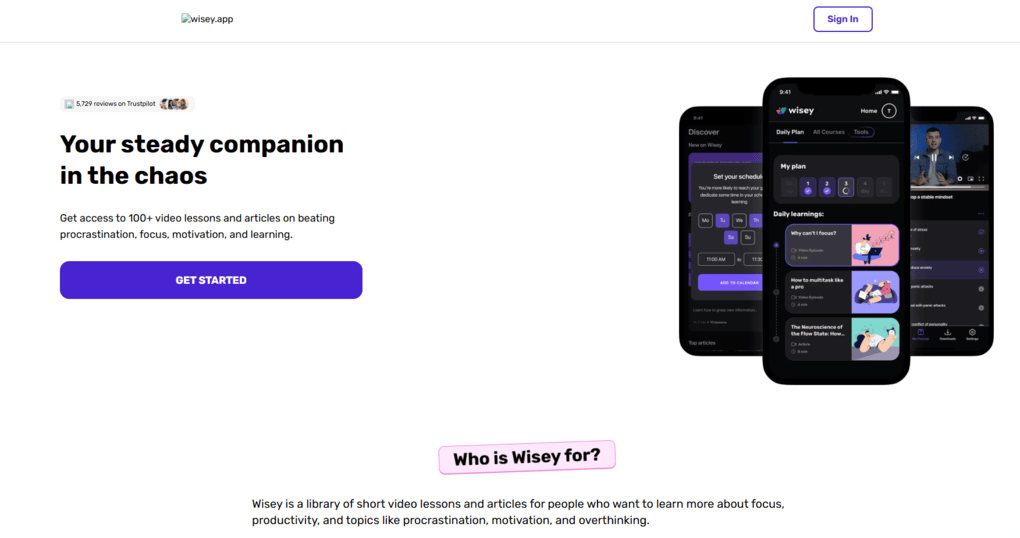
Wisey is a productivity and personal-growth app designed to help you beat procrastination, build lasting habits, and manage distractions without feeling overwhelmed.
It’s a mobile app for iOS and Android, and especially popular among people looking for ADHD-friendly tools, those who struggle with “information overload,” and anyone who finds traditional hustle-hard productivity tools too stressful.
My Wisey Experience: Feature-by-Feature Ratings

Key takeaway: Wisey offers useful productivity features, but its high subscription costs, unclear pricing, and reported billing issues make it difficult to recommend. My rating: D.
| Feature | My experience | My Rating |
|---|---|---|
| Productivity tracking | ✅ Quick daily check-ins with productivity ratings, supporting factors, and distractions | A |
| Productivity analytics | ⚠️ Useful charts and recommendations, but lacks advanced reporting and detailed metrics | C |
| Habit tracking | ✅ Easy to create habits, set goals, schedule reminders, and track progress | A- |
| Daily Plan | ✅ Short, actionable micro-missions and lessons; most took me around 5 minutes | A |
| AI Productivity Coach | ❌ Fast responses, but no meaningful personalization or analysis of your tracked habits and productivity data; little added value over ChatGPT | D- |
| Focus timer | ✅ Customizable focus sessions, breaks, and rounds | A- |
| App & website blocking | ✅ Block specific apps, websites, or entire categories during focus sessions | A- |
| Soundscapes | ✅ Background sounds that work alongside the focus timer and app blocker | B+ |
| Personal growth content | ✅ Library of lessons, videos, and courses covering productivity, psychology, and habits | A- |
| Task management | ⚠️ Useful for simple planning, but lacks advanced features | C |
| User interface | ✅ Clean, intuitive, and beginner-friendly; minimal learning curve | A |
| Calendar | ⚠️ Weekly overview is useful, but I missed a more detailed monthly calendar | C+ |
| Subscription & billing | ❌ Numerous user complaints about unexpected charges, unclear pricing, hidden fees, and cancellation difficulties | F |
How much does the Wisey app cost?
While I enjoyed using this deep focus app, its subscription and billing practices are my biggest concern.

After researching user experiences on Reddit, I found several complaints about unexpected charges, unclear pricing, and difficulties canceling subscriptions.
Here are some examples:
- High subscription costs: In this thread, BuildingTop9241 reported paying $59.99 per month, while another reported an initial charge of $15.99 followed by an additional $17.99 for something they claimed they hadn’t agreed to.
- Unexpected recurring charges: Several users reported being charged for additional products, including ebooks, even after believing they had canceled their subscriptions.
- Cancellation difficulties: Feisty-Feline-5372 claimed they had lost over $500 to recurring payments, while another reported continued ebook charges despite receiving a cancellation confirmation.
- Lack of pricing transparency: Users complained that subscription prices weren’t clearly displayed before completing Wisey’s initial assessment.
These are individual user reports, and I couldn’t independently verify every complaint. Nevertheless, the number and nature of these experiences raise serious concerns about subscription transparency.
But when I tried to find the Wisey app’s pricing, I realized there is no fixed single price.
There are introductory offers (such as $10.50 for 1 week, $19.99 for 4 weeks, or $34.99 for 12 weeks) and auto-renewals at up to $48.50 every 4 weeks or $99.99 every 12 weeks, depending on your location.
My recommendation: If you decide to try Wisey, carefully review the checkout terms, recurring charges, and cancellation conditions before entering your payment details.
Testing Wisey’s Core Features: What Worked and What Didn’t
Here are the key features I used daily during my Wisey review:
Productivity Tracking: Simple Daily Check-ins That Work

Key takeaway: Wisey makes daily productivity tracking simple and helps identify distractions, but its insights lack the depth of tools like Floviu.
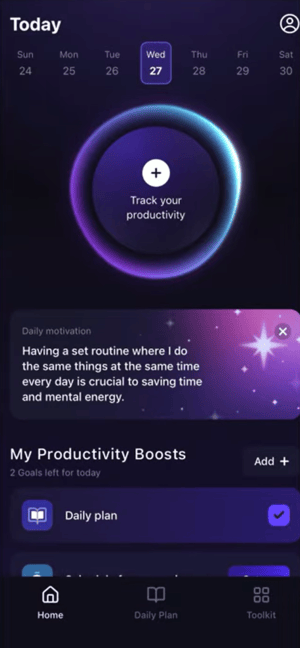
After downloading the app and logging into your account, Wisey takes you directly to the home page.
At the top, you can see your current week overview. It looks clean and visually appealing, although personally, I think a more detailed monthly calendar view would make navigation easier.
Below that, you can track your daily productivity level by selecting whether your day felt low, medium, or highly productive.
What I really liked is that Wisey goes one step further by asking what supported your productivity and what distracted you during the day. This creates a quick reflection system that only takes a minute but helps you better understand your habits over time.
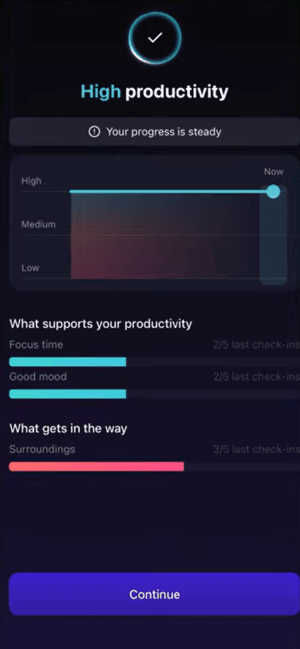
Once you add your entries, Wisey generates charts and insights showing your recent productivity trends, the factors helping you stay productive, and the biggest distractions affecting your focus.
It highlights your main productivity killer and gives short recommendations on how to improve it. The entire system is simple, fast, and easy to maintain daily, which makes it much more realistic for long-term use.
That said, don’t expect highly advanced analytics or detailed productivity metrics. The focus here is simplicity and self-awareness rather than deep data tracking.
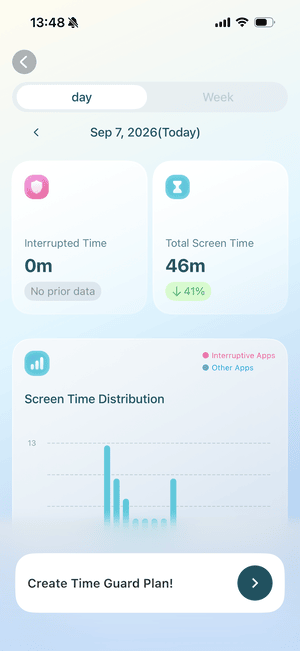
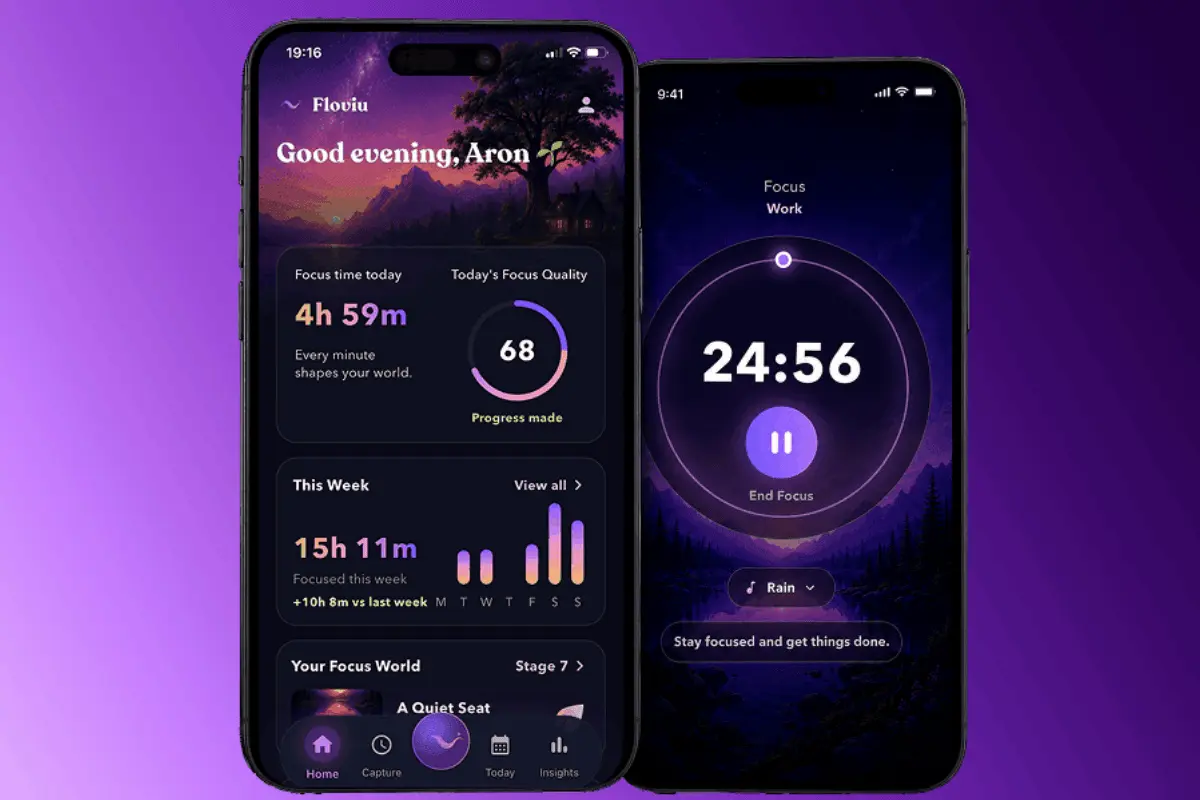
In comparison, Floviu takes focus insights further by analyzing your focus sessions to identify your best focus times, ideal session lengths, biggest distractions, and providing personalized recommendations.
So, instead of relying on daily self-reflection or your intuition, it helps you understand the conditions that lead to your most productive sessions and how to spend less time with your phone.
Habit Builder: Easy to Set Up and Stick With
Key takeaway: Wisey makes building and tracking habits effortless, with quick setup, flexible goals, and reminders that help you stay consistent.
Habits are either the foundation of a productive life or the reason why we struggle to stay consistent. Wisey made a pretty good impression on me in this area.
The habit system is straightforward and works especially well for people who need a simple accountability tool without unnecessary complexity.
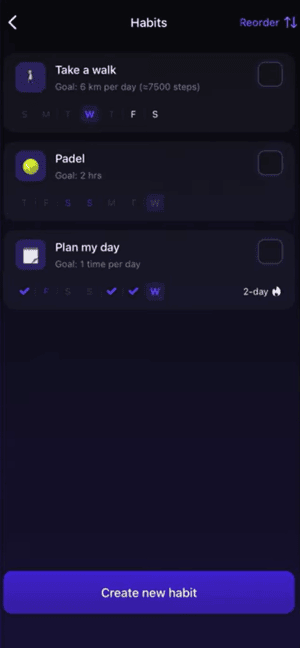
Inside the Toolkit section, you can create and manage habits. Wisey already includes a few default habits, but you can also create custom ones.
When creating a custom habit, you can choose whether you want to build a habit or break one.
For example, I usually try to go jogging at least once a week, so I wanted to see how Wisey could help me stay consistent.
You simply choose an emoji, add the habit name, define your goal, select the days you want to complete it, and decide whether you want reminders.
Once you complete the habit, you just check the box, and Wisey tracks your progress automatically. The setup process is quick, beginner-friendly, and easy to stick with.
Daily Plan: Practical Lessons in Just Five Minutes
Key takeaway: Wisey’s bite-sized lessons make learning about productivity and overcoming procrastination easy, with practical tips that take just five minutes a day.
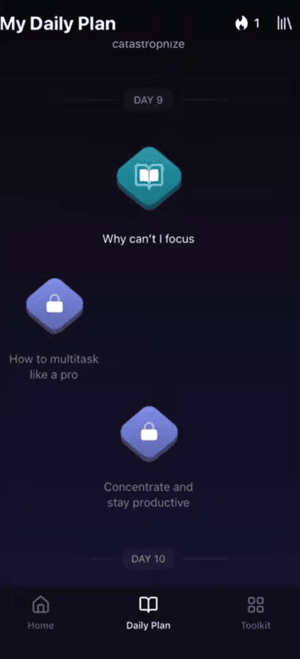
The Daily Plan feature includes micro missions and short video lessons designed to help you overcome procrastination, improve focus, and reduce mindless scrolling.
Instead of overwhelming you with long productivity courses, Wisey gives you a few small, actionable tasks each day to build momentum gradually.
I usually read these lessons while commuting to work, and most took only about five minutes to complete.
I found them useful, especially for users who want to better understand topics like procrastination, focus, multitasking, dopamine distractions, and productivity psychology.
You also get access to Wisey’s larger content library, including courses, articles, videos, and lessons on productivity, learning, communication, and psychology.
Overall, I think this is a valuable addition because it makes Wisey feel more like a personal growth platform than a traditional productivity app.
AI Productivity Coach: Fast Answers, Little Personalization
Key takeaway: Wisey’s AI Coach provides quick, practical answers but lacks personalization and access to your productivity data. In my testing, it offered little value over ChatGPT.
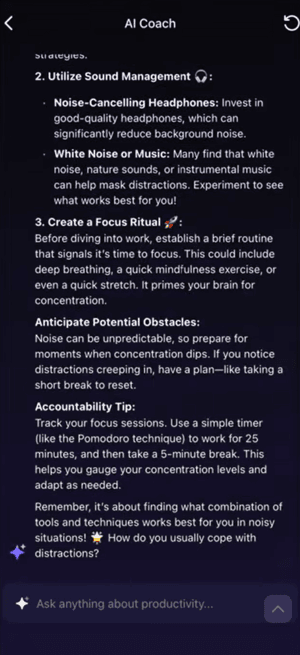
Wisey also includes an AI Productivity Coach that helps with goal-setting, planning, focus, and habit formation.
You can find this feature inside the Toolkit section. The AI can help you break down tasks, create plans, stay motivated, and organize your workload.
In my experience, the responses were fast, relevant, and surprisingly practical for everyday productivity questions.
But it’s not better than just using ChatGPT, since it doesn’t answer questions based on your actual actions or data, and there is absolutely zero personalization.
For example, I asked the AI to analyze my day based on the productivity data and habits I had already added into the app.
Unfortunately, it wasn’t really able to do that. Instead, it asked me to manually explain what happened during the day.
So, it feels like the AI is just part of the product for the sake of AI, but it didn’t provide any value during testing. I think it would be significantly more powerful if it could better analyze the data already stored in the app and automatically generate more personalized insights.
Focus Tools: Everything You Need to Stay Focused
Key takeaway: Wisey combines a customizable focus timer, soundscapes, and app blocking into one simple workflow, helping you stay focused and avoid distractions without unnecessary complexity.
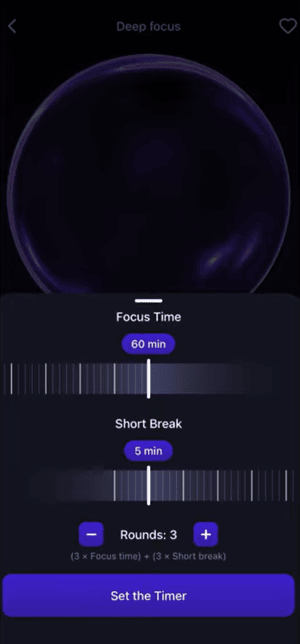
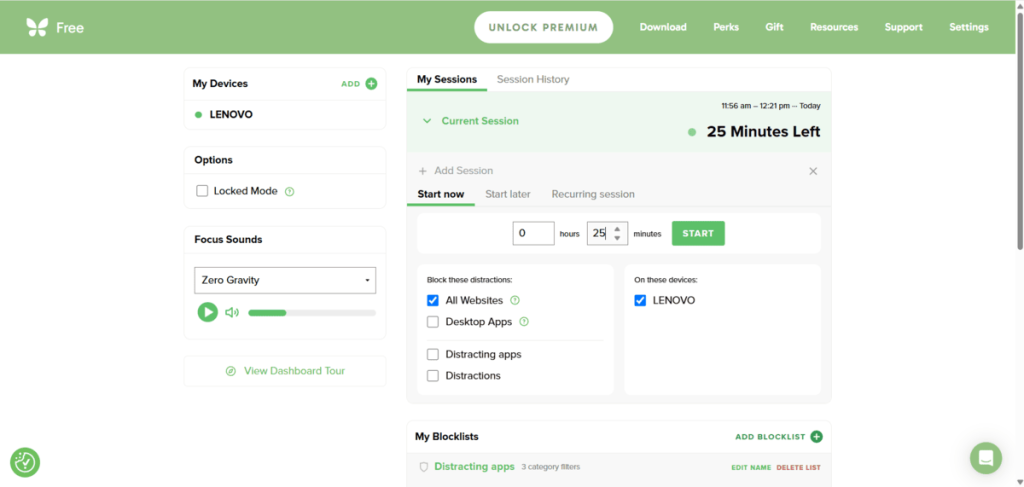
This feature is quite similar to Floviu’s focus timer.
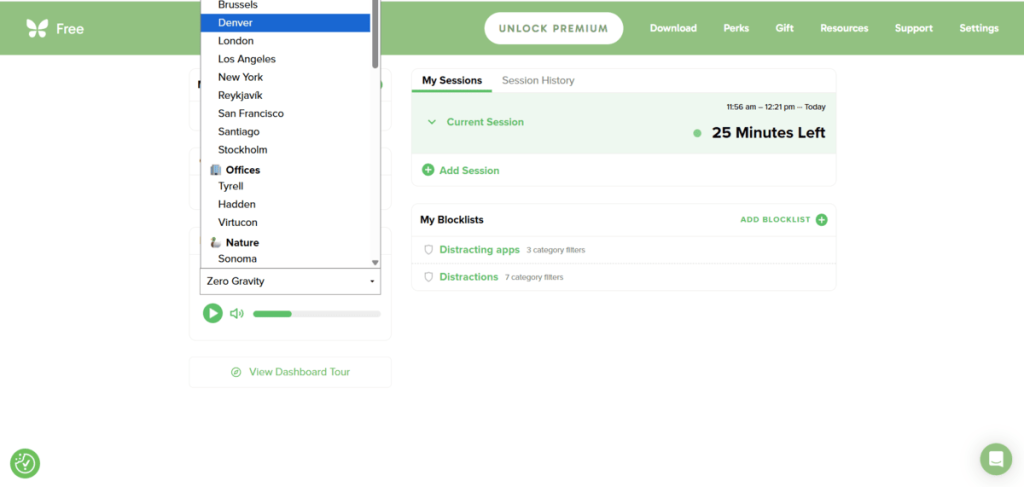
If you are looking for a simple way to stay focused and not get distracted by scrolling, it’s Wisey app’s go-to feature. Enter the soundscapes, select the activity you want to start, and hit the play button.
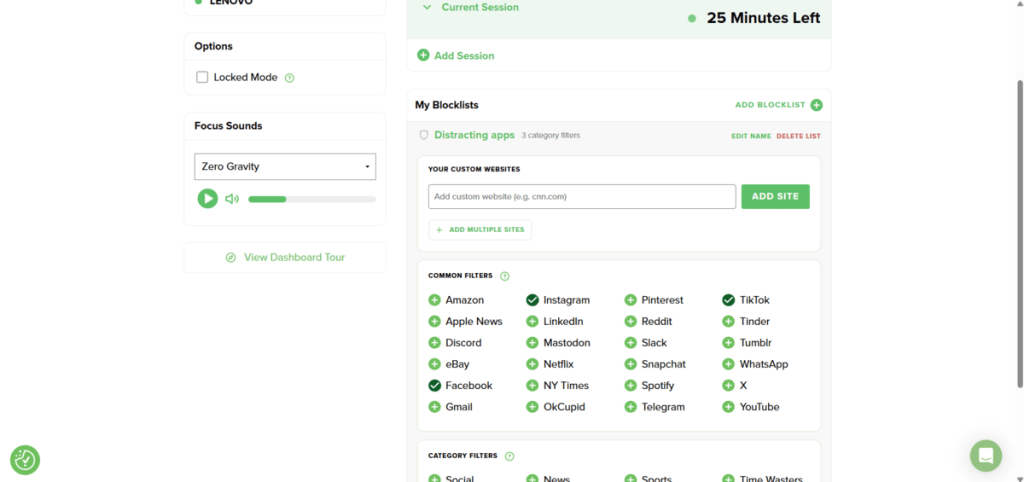
Here, you can personalize the background sound, and the best part is that you can block distracting apps and websites and start the focus timer at the same time.
When starting the timer, you can select the length of the focus time, length of breaks, and how many rounds you need. If you want to block apps or websites, you can block specific apps and sites or the whole category.
In my day-to-day work, I discovered these aren’t revolutionary features on their own, but together they create a productivity system that feels supportive rather than overwhelming.
Wisey’s biggest strengths & weaknesses
| What stood out | The trade-offs |
|---|---|
| 🟢 Beginner-friendly interface: Clean, intuitive design makes it easy to get started without a steep learning curve. | 🔴 Subscription and billing concerns: Numerous users report unexpected charges, unclear pricing, and cancellation difficulties. |
| 🟢 Effortless habit tracking: Create habits, set goals, schedule reminders, and track progress in just a few taps. | 🔴 Limited productivity analytics: Useful for daily reflection, but lacks detailed reports and deeper insights into your productivity patterns. |
| 🟢 Practical daily lessons: Five-minute micro-missions and personal growth content help you understand procrastination and build better routines. | 🔴 AI Coach lacks personalization: It couldn’t analyze my existing productivity data or habits, offering little additional value over ChatGPT. |
| 🟢 Integrated focus tools: Combines a customizable focus timer, soundscapes, and app blocking into one distraction-free workflow. | 🔴 Basic task management: Fine for simple daily planning, but lacks advanced task organization features |
| 🟢 Simple productivity tracking: Quick daily check-ins help identify distractions and productivity trends without overwhelming you. |
Best Wisey alternative: Floviu
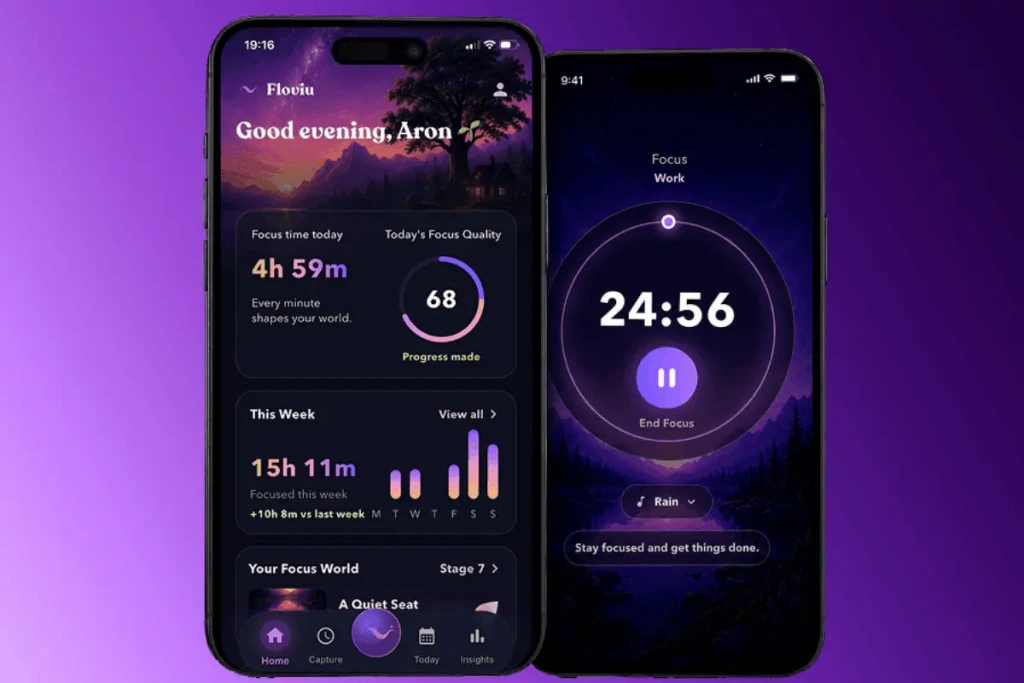
Compared to Wisey, Floviu goes deeper into productivity analytics, helping you discover your best focus times, ideal session lengths, and biggest distractions. It also combines customizable focus sessions, calming soundscapes, and app blocking to help you create the right environment for deep work.
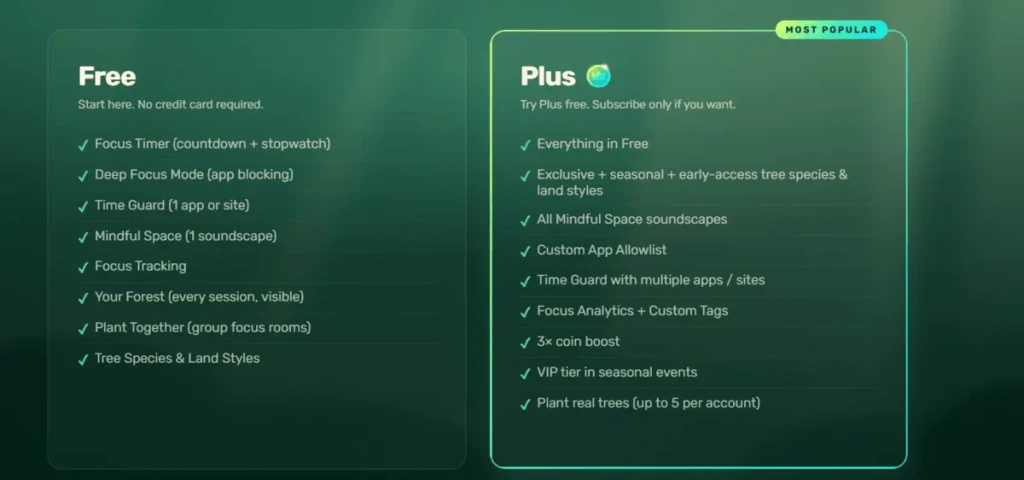
But the biggest difference is pricing and transparency. While Wisey has varying subscription prices and numerous user complaints about unexpected charges, Floviu offers a free plan forever and clear subscriptions.
Floviu’s paid plans start at $9.99/month or $69.99/year, with a 7-day free trial and the option to cancel anytime.
Other Wisey alternatives
Here are some other Wisey alternatives you can consider.
| Focus app | Choose if you need | Starting price (annual plan) |
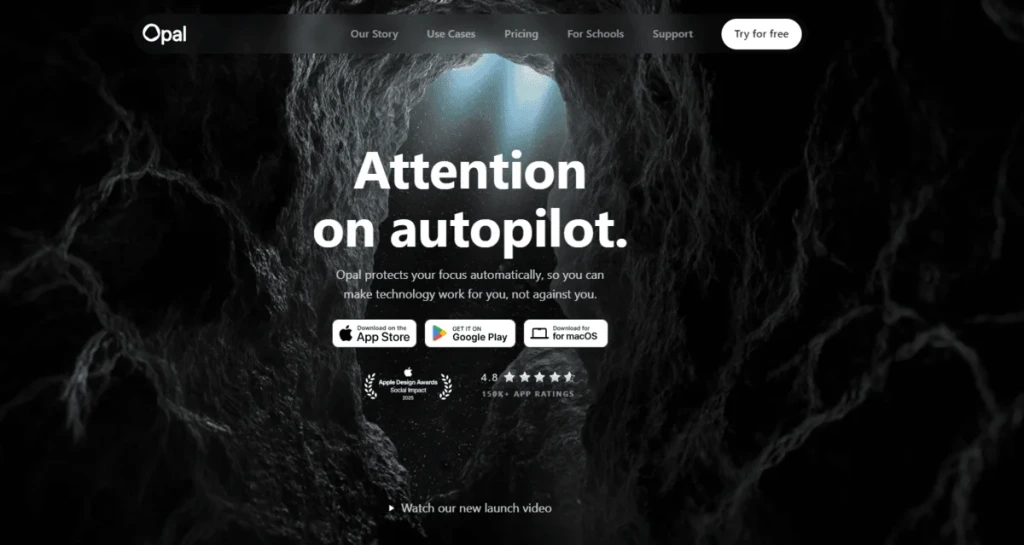
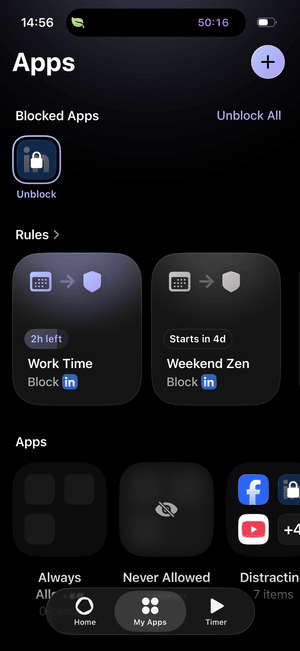
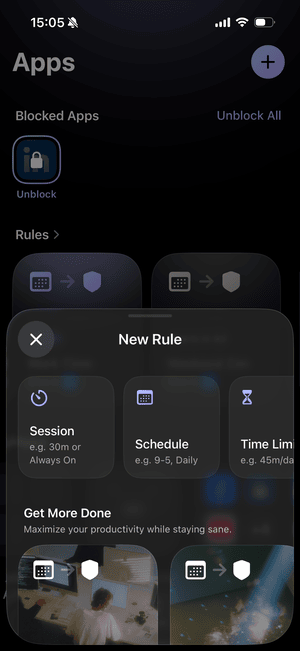
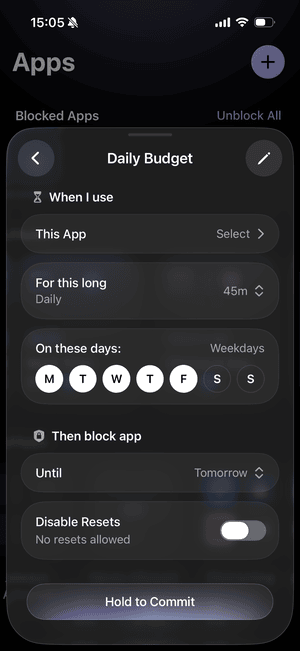
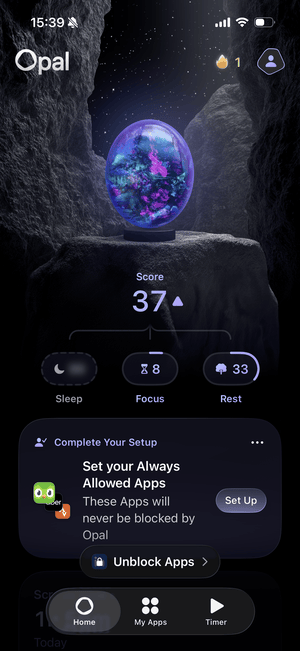
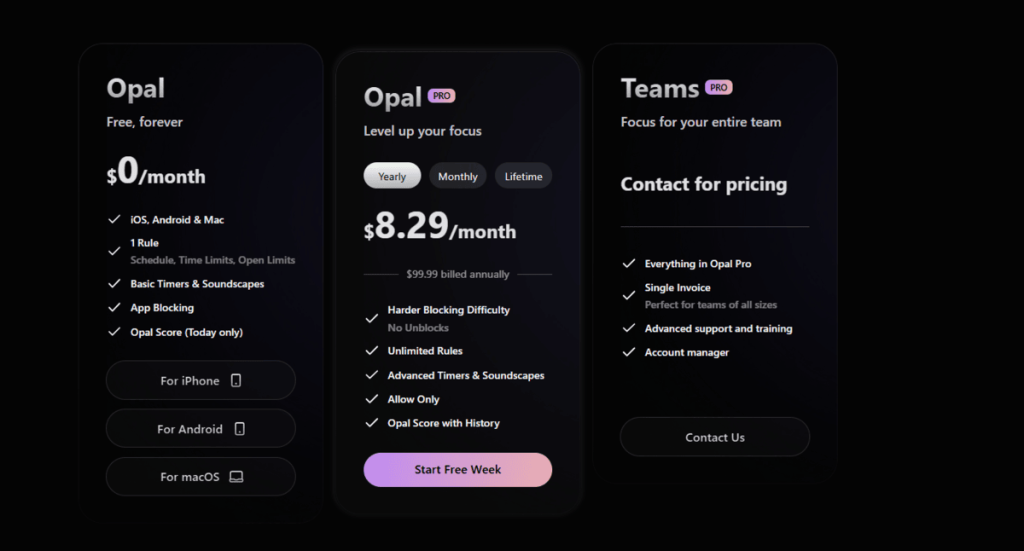
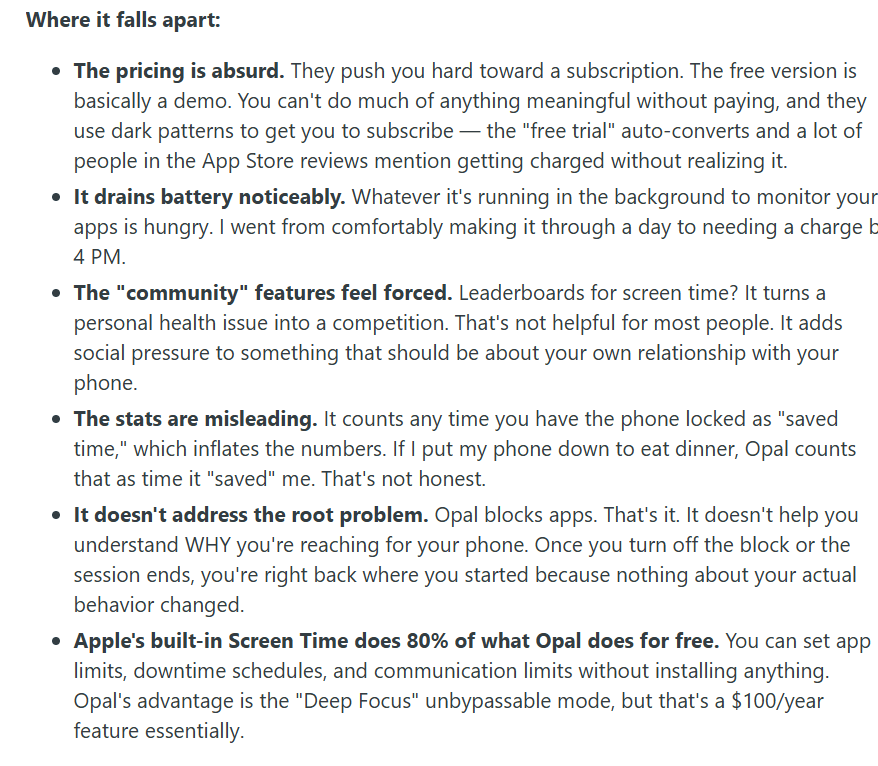
| Opal | A premium screen time app with strict app blocking, flexible rules, and a polished interface. | Free plan available; $99.99/year for premium features. |
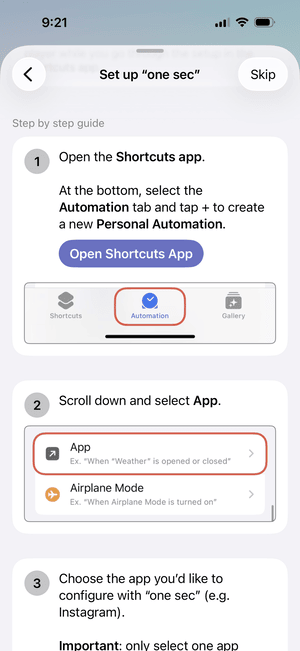
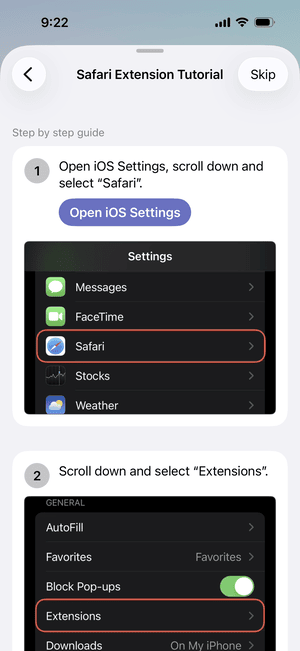
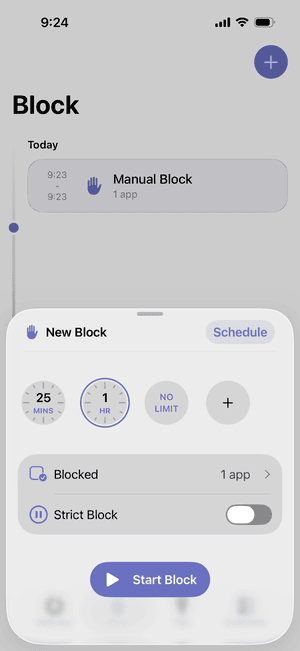
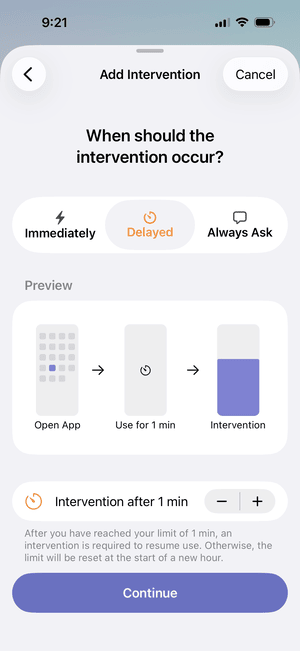
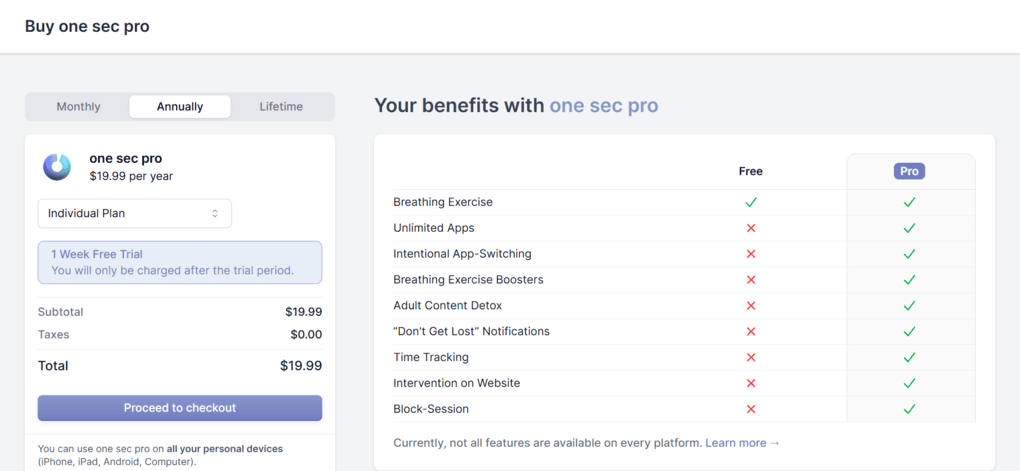
| one sec | A solution to break automatic app-opening habits | $19.99 per year |
| Freedom | Strict website blocking across multiple devices. | $19.99 per year |
| Focus To-Do | Pomodoro + task management | Free, $11.99 lifetime license |
| Cold Turkey | Strict app blocking on desktop | One-time payment of roughly $45 |
| ScreenZen | A free solution for screen time control | Free |
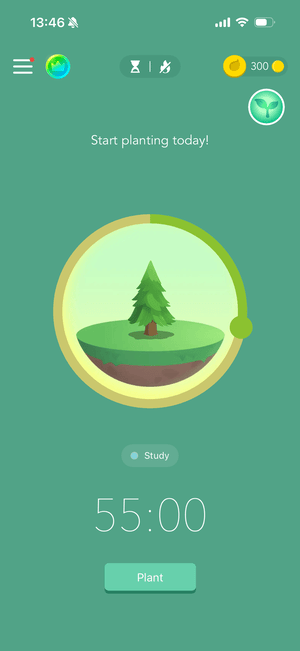
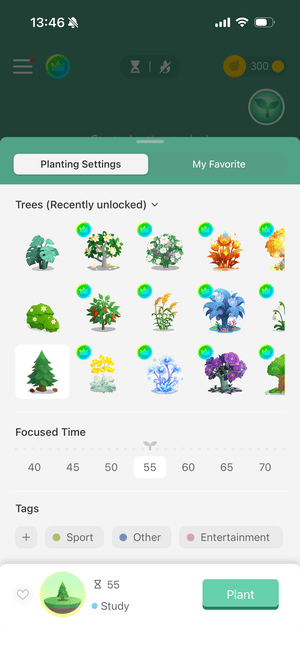
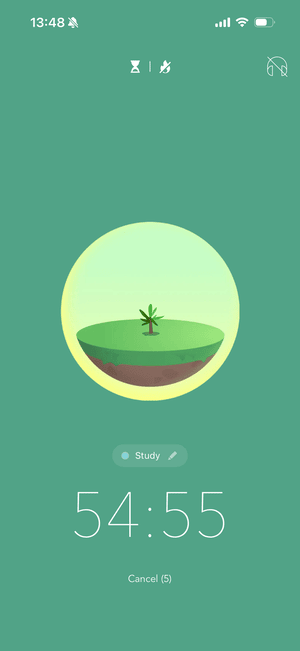
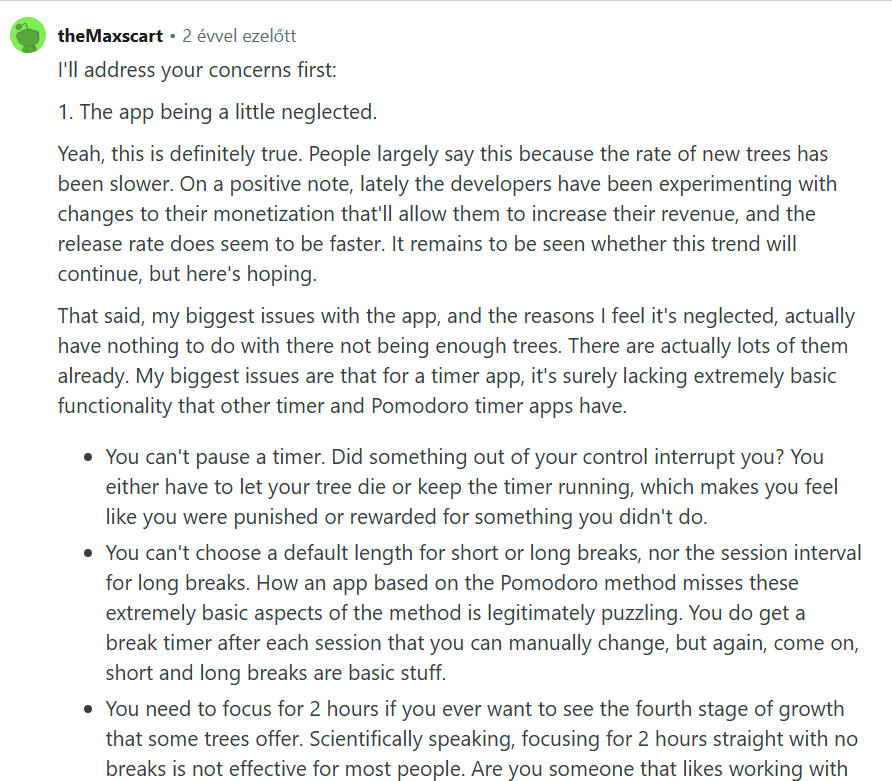
| Forest | A gamified focus app | Free, starting from $3.99 |
Wisey App review: Is it for you?
So, is Wisey worth it?
After testing Wisey for a week, I enjoyed using it. Its simple habit tracker, practical daily lessons, and integrated focus tools make it a good productivity app for overcoming procrastination and building better routines.
It’s especially suitable for beginners who want a supportive productivity app without complexity.
However, Wisey has some limitations. Its productivity analytics are basic, the AI Coach offers little personalization, and its task management features aren’t too advanced.
But my biggest concern is its pricing and subscription practices. Given the numerous user complaints about unexpected charges, unclear pricing, and cancellation difficulties, I find it difficult to recommend Wisey
My final verdict: Wisey is a good focus app, but its subscription model raises serious concerns. While I enjoyed using it, I would explore alternatives with more transparent pricing before committing to a paid plan.
Frequently Asked Questions
How much does the Wisey app cost?
Wisey doesn’t have a single fixed subscription price. Introductory offers include $10.50 for one week, $19.99 for four weeks, or $34.99 for 12 weeks.
Nevertheless, subscriptions can automatically renew at up to $48.50 every four weeks or $99.99 every 12 weeks, depending on your location and offer. Always check the renewal price before subscribing.
Is the Wisely app any good?
Wisey is a useful productivity app for overcoming procrastination, tracking habits, and improving focus. When testing, I particularly liked its simple interface, five-minute productivity lessons, and integrated focus tools.
Nonetheless, its limited analytics, basic AI Coach, and numerous user complaints about subscription charges make it difficult to recommend.
What is the Wisey app?
Wisey is a productivity and personal growth app for iOS and Android designed to help users overcome procrastination, build better habits, and reduce distractions.
It combines habit tracking, daily productivity check-ins, short educational lessons, an AI Productivity Coach, and focus tools such as a Pomodoro timer, soundscapes, and app blocking.
How do I cancel my subscription for Wisey?
To cancel your Wisey subscription, first check where you purchased it. If you subscribed through the App Store or Google Play, you can manage and cancel it through your device’s subscription settings.
If you subscribed directly through Wisey’s website, check your account’s subscription settings or contact Wisey’s customer support.